How Do I Automatically Play a Video When Someone Sends a Gift on TikTok?
In the fast-paced world of TikTok LIVE, staying ahead of the curve in 2026 means offering your audience more than just a standard camera feed. Viewers are no longer just looking for a broadcast; they are looking for an interactive experience where their presence and contributions are acknowledged in real-time. One of the most effective ways to achieve this is by triggering specific videos or animations when a viewer sends a gift. This creates a unique moment of celebration that makes the viewer feel like a part of the show.
The Technical Bridge: TikTok LIVE Studio and PKTOK
By default, TikTok's native broadcasting software, TikTok LIVE Studio, provides a solid foundation for streaming. It allows you to manage your camera, microphone, and basic alerts. However, streamers often find themselves asking how to take those alerts to the next level by playing their own custom videos. This is where PKTOK comes in. PKTOK is an independent third-party tool designed to act as a bridge between your stream's activity and your visual production.
Because PKTOK is not an official TikTok product, it uses a "Browser Source" system to communicate with your broadcast software. This is a standard method used by professional streamers worldwide. You configure your triggers and upload your media on the PKTOK dashboard, and the tool provides you with a unique URL. When you paste this URL into your TikTok LIVE Studio setup, the magic happens: every time a gift is detected by the tool, it overlays your chosen video directly onto your stream.
How to Set Up Your First Gift Trigger
Setting up the ability to play video on TikTok gift events is a straightforward process, but it requires attention to detail. First, you must ensure you have access to TikTok LIVE Studio on your computer. Once you have confirmed your setup is ready, follow these steps:
- Log in to your account on PKTOK and navigate to the widgets section.
- Upload the video file you want to use. We recommend using formats like MP4 or MOV with transparency (WebM is also a popular choice for 2026) to ensure the video doesn't block your entire face.
- Select the specific gift that should trigger the video. You can set a general video for all gifts, or specific, higher-value videos for rarer gifts.
- Copy the provided Overlay URL from the PKTOK dashboard.
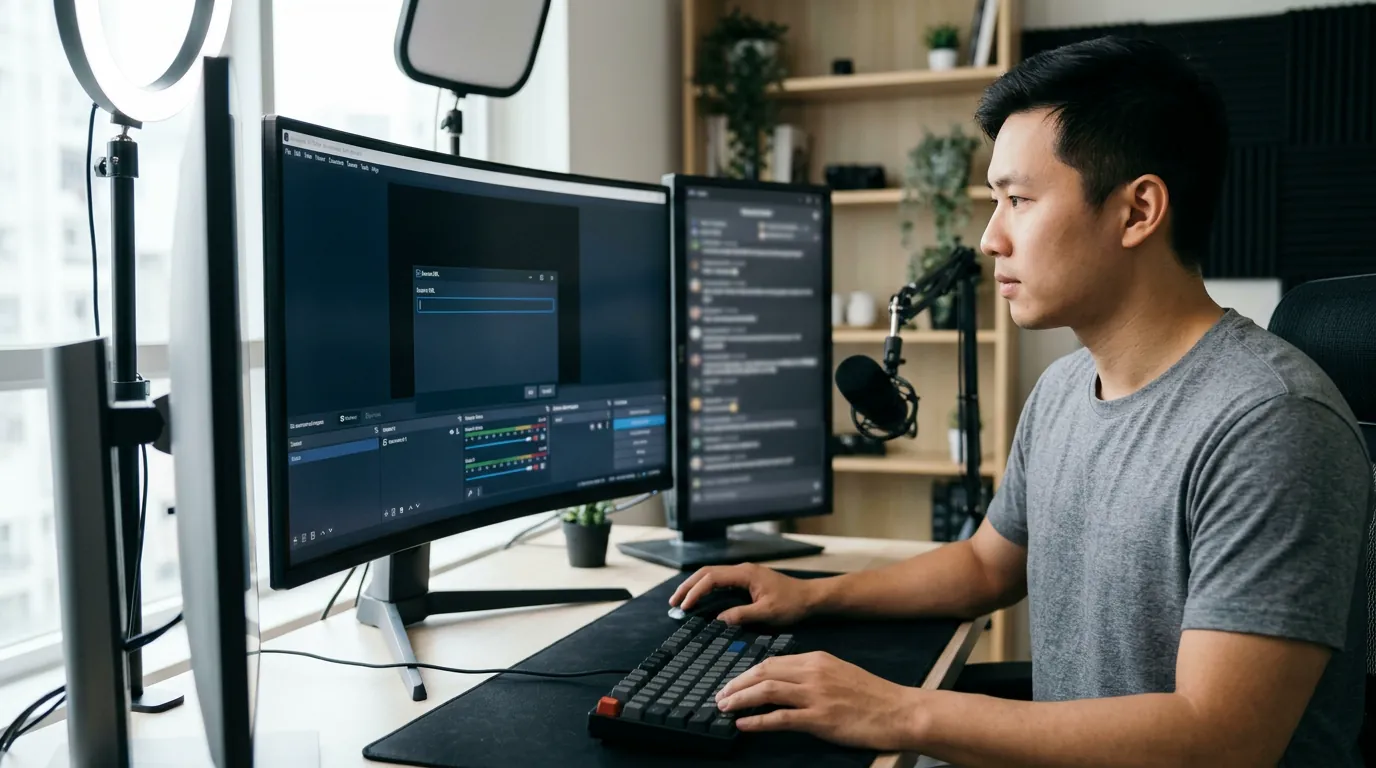
- Open TikTok LIVE Studio, click "Add Source," select "Link" (the browser source option), and paste your URL.
Enhancing the Viewer Experience Without Pressure
The goal of using gift triggers should always be to enhance the entertainment value of your stream. It is important to remember that these triggers are a way to celebrate the viewer's interaction, not a tool to pressure others into sending gifts. In 2026, audiences are very tech-savvy and can tell the difference between a creator who is providing a "show" and one who is simply seeking donations. Focus on the reaction and the moment.
For example, if someone sends a "Rose," you might play a quick 2-second animation. However, if someone sends a more significant gift, you could trigger a 10-second cinematic sequence that involves you interacting with the screen. This makes the gift feel like a "ticket" to a special event within your live broadcast. For more ideas on how to manage your stream visuals, you can check out our TikTok LIVE Studio overlay guide.
Technical Considerations for 2026
When you prepare to play video on TikTok gift triggers, you need to be aware of the technical requirements of your hardware. Since TikTok LIVE Studio and your browser-based overlays run simultaneously, ensure your computer has enough resources to handle video playback without lagging. It is also vital to consider audio levels. If your triggered video has loud music, it might drown out your voice. Always perform a test stream to balance the audio of your PKTOK overlays with your microphone.
Additionally, remember that the value of TikTok coins is not fixed. Coin values can vary significantly based on the region of the sender and the current platform policies. When setting up your triggers in PKTOK, focus on the names of the gifts rather than trying to calculate a specific monetary value, as this keeps your stream's focus on the fun and the community rather than the finances.
Optimizing Your Video Files
To ensure your videos play instantly without buffering, keep your file sizes as small as possible without sacrificing quality. Most successful streamers in 2026 use short, high-impact clips. If you are looking for more advanced ways to interact with your audience during competitive segments, you might be interested in our guide on PK battle multipliers, which explains how gifts impact the competitive landscape.
By integrating PKTOK widgets into your daily routine, you transform a standard broadcast into a dynamic, automated production. It allows you to focus on talking to your fans while the software handles the visual celebrations in the background. If you are ready to start, you can join PKTOK today and begin uploading your own custom gift animations.
Visit our streaming blog regularly for more updates on how to maximize your reach and engagement on TikTok LIVE throughout 2026.
Frequently asked questions
Can I use PKTOK with any streaming software?
PKTOK is designed to work seamlessly with TikTok LIVE Studio via the Link (Browser Source) feature. It is a third-party tool that adds functionality not natively present in the standard broadcasting software.
Does PKTOK work on mobile-only streams?
No, to use custom video overlays and PKTOK triggers, you must stream using a PC or Mac with TikTok LIVE Studio, as the mobile app does not support external browser source links.
Is PKTOK an official part of TikTok?
No, PKTOK is an independent third-party tool. It is not affiliated with, or endorsed by, TikTok. It is a utility created for streamers to enhance their production value.
What video formats are supported for gift alerts?
PKTOK supports standard video formats like MP4, MOV, and WebM. We recommend using files with transparency (Alpha channel) for the best visual results on screen.
Why didn't my video play when I received a gift?
Ensure your Overlay URL is correctly pasted into TikTok LIVE Studio and that the source is 'active.' Also, check that the specific gift you received is mapped to a video in your PKTOK dashboard.
Make your LIVE look like a show
Join PKTOK now and transform your TikTok LIVE gifts into an automated video show that your viewers will love.
Try PKTOK