Is TikTok LIVE Studio Worth the Upgrade? Everything You Need to Know for 2026
The Evolution of TikTok Streaming in 2026
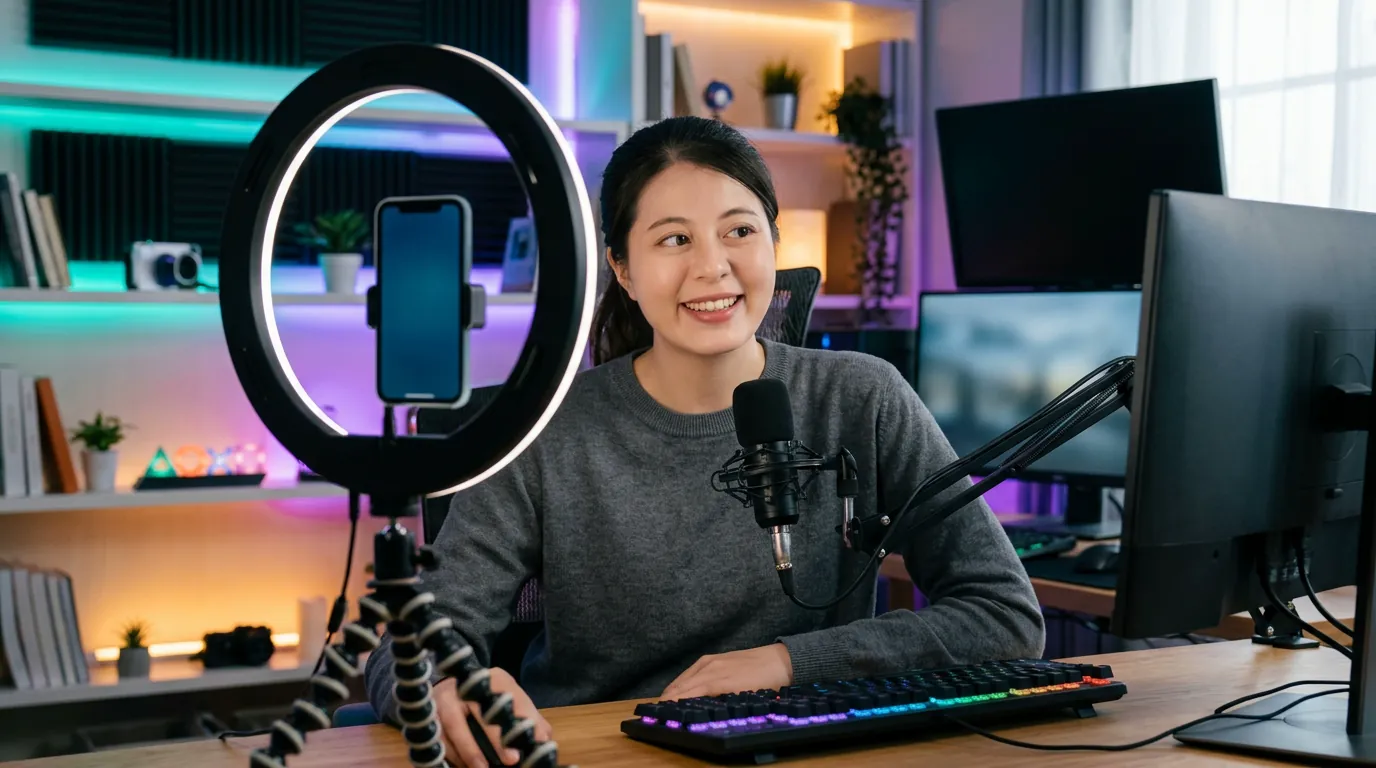
As we move through 2026, the landscape for creators has shifted significantly. While the mobile app remains the entry point for most, the professional standard has moved toward PC-based broadcasting. For many creators, the question is no longer whether they should use a computer, but how to optimize their setup to provide the best possible experience for their audience. TikTok LIVE Studio has become the central hub for this transition, offering a suite of tools that mobile devices simply cannot match.
Switching to a PC setup allows you to create a more immersive environment. Instead of a shaky handheld camera, you can use high-definition webcams or DSLRs, professional lighting, and high-quality microphones. This isn't about looking expensive; it is about providing clarity so your viewers can fully engage with your content, whether you are hosting a talk show, gaming, or participating in intense PK battles.
TikTok LIVE Studio vélemények: What Creators Are Saying
When looking at the latest TikTok LIVE Studio vélemények, several themes emerge. Most users praise the software for its accessibility. Unlike other complex broadcasting suites, TikTok LIVE Studio is designed specifically for the TikTok ecosystem. It integrates your chat, your gift alerts, and your stream health into a single dashboard. This simplicity is a major selling point for those who want to focus on their performance rather than troubleshooting technical glitches.
However, some creators note that the transition requires a learning curve. Managing scenes, setting up audio sources, and ensuring your internet connection can handle the bitrate are new skills to master. The consensus among serious streamers is that the effort is worth it. The ability to add custom graphics and use tools like PKTOK to automate your reactions makes the stream feel like a produced television show rather than a casual phone call.
Hardware Requirements for a Smooth 2026 Stream
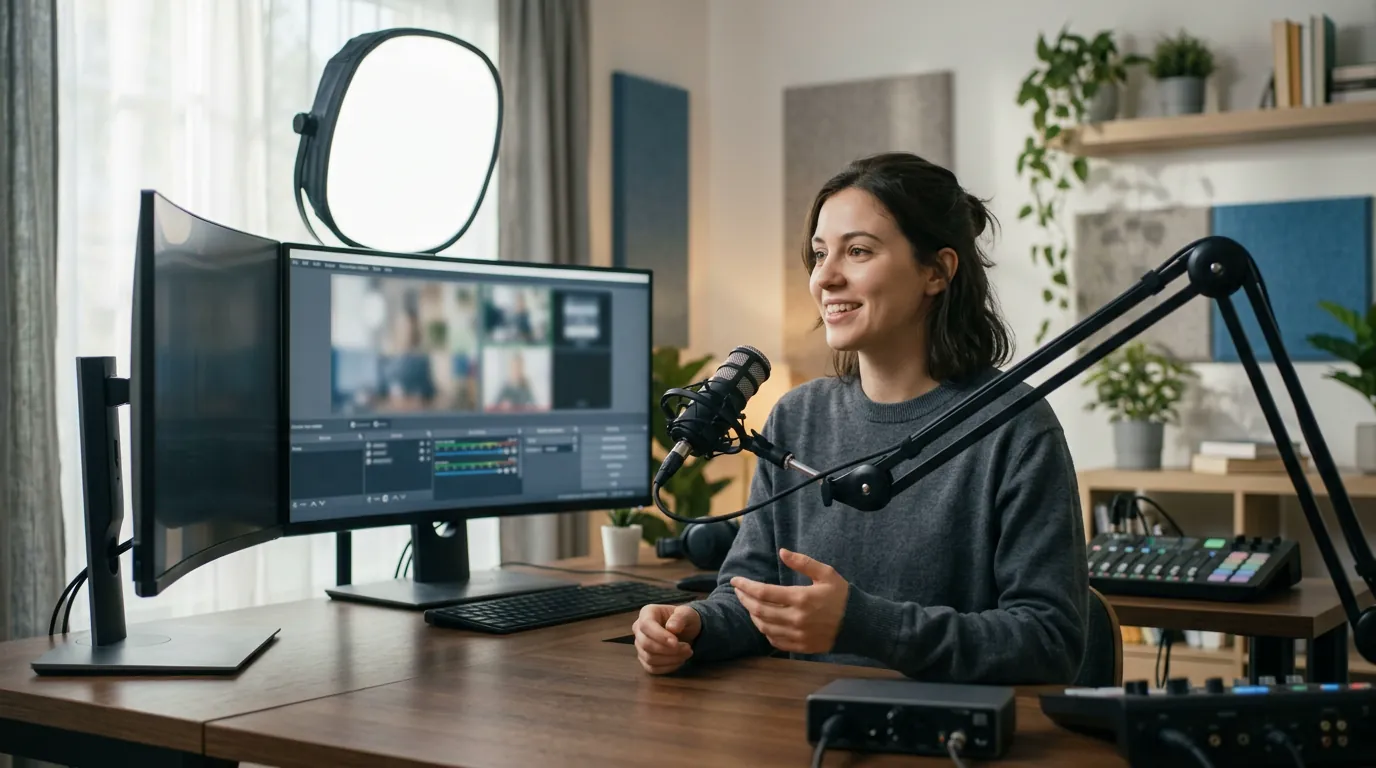
To run TikTok LIVE Studio effectively, you don't need a supercomputer, but you do need reliable hardware. In 2026, the software has become more optimized, yet the demand for high-definition video means your PC needs to keep up. Here is a general guideline for what you should look for in a streaming rig:
| Component | Recommended Specification |
|---|---|
| Processor (CPU) | Modern 6-core or 8-core processor (2024 models or newer) |
| Memory (RAM) | 16GB DDR4 or DDR5 |
| Graphics (GPU) | Dedicated graphics card with hardware encoding support |
| Internet | Upload speed of at least 10-15 Mbps for 1080p quality |
Using a dedicated graphics card is particularly important. It allows the computer to handle the video encoding separately from your main processor, which prevents lag and ensures your stream doesn't freeze during high-action moments, such as when a large gift animation triggers or when you are in the middle of a multiplier round in a PK battle.
Enhancing the Viewer Experience with PKTOK
Streaming from a PC unlocks the ability to use third-party tools that enhance the "show" element of your broadcast. PKTOK is an independent third-party tool designed to work alongside TikTok LIVE Studio to make your stream more reactive. While TikTok LIVE Studio handles the video and audio, PKTOK acts as your automated producer.
When a viewer sends a gift or you win a battle, PKTOK can automatically play specific videos or sounds as an overlay. This creates an immediate, high-energy reaction that rewards the viewer's interaction. It’s not about the value of the gift—which, as a reminder, varies significantly by region and exchange rates—but about the moment of celebration. You can find more details on how to set this up in our TikTok LIVE Studio overlay guide.
The Benefits of Multi-Scene Layouts
One of the biggest advantages discussed in TikTok LIVE Studio vélemények is the use of scenes. On a phone, you are stuck with one view. On a PC, you can have:
- A 'Starting Soon' scene: To build anticipation while you check your audio levels.
- A 'Main' scene: Your primary camera view with your chat overlay.
- A 'Battle' scene: Optimized for PK battles with specific graphics.
- A 'BRB' scene: For when you need a quick break without ending the stream.
By switching between these, you maintain a professional rhythm. You can also integrate interactive widgets that show your current goals or recent followers, giving your community a sense of progress and shared achievement.
Final Verdict: Is it Worth the Upgrade?
If you are streaming as a hobby once a week, the mobile app is fantastic. But if your goal for 2026 is to build a brand and a consistent community, TikTok LIVE Studio is the essential next step. It provides the stability and creative freedom required to stand out in a crowded feed. When combined with the automated triggers of PKTOK, you can provide a level of entertainment that is simply impossible on a mobile device.
Remember that the most successful streamers focus on what the viewer gets out of the experience. They use the power of their PC to create a better show, more vibrant reactions, and a more welcoming environment. If you're ready to take that step, explore our streaming guides to learn more about mastering the technical side of your broadcast.
Getting Started
To begin, download the software directly from the official TikTok website. Once installed, take the time to run the configuration wizard. This will test your hardware and internet speed to suggest the best settings. From there, you can start adding your sources and connecting your PKTOK account to begin building your custom overlays. The transition to PC is a journey, but it is one that defines the professional creators of 2026.
Frequently asked questions
Is TikTok LIVE Studio free to use?
Yes, TikTok LIVE Studio is a free broadcasting software provided by TikTok for its creators, though you must meet certain eligibility requirements (such as follower count) to gain access to the download.
Can I use PKTOK with TikTok LIVE Studio?
Absolutely. PKTOK is an independent tool that works perfectly as a browser source overlay within TikTok LIVE Studio, allowing you to trigger videos and sounds automatically during your stream.
Do I need a powerful gaming PC to stream?
While you don't need a top-tier gaming rig, a modern PC with a dedicated graphics card and at least 16GB of RAM is recommended for a stable 1080p stream in 2026.
Does TikTok LIVE Studio work on Mac?
As of 2026, TikTok LIVE Studio is primarily designed for Windows. Mac users should check the official TikTok download page for the most current compatibility updates.
How do I get the 'TikTok LIVE Studio' access?
Access is usually granted automatically once you reach a specific follower threshold and have a history of safe, policy-compliant streaming on the mobile app.
Make your LIVE look like a show
Boost your stream's energy and automate your professional overlays by joining PKTOK today.
Try PKTOK